Add a game or program to the library
Add any game or program to the player screen: Steam, Epic, Riot, Battle.net, EA, Ubisoft, Rockstar, Microsoft Store or a simple .exe.
- Go to Apps & Games → Library and press Add new game.
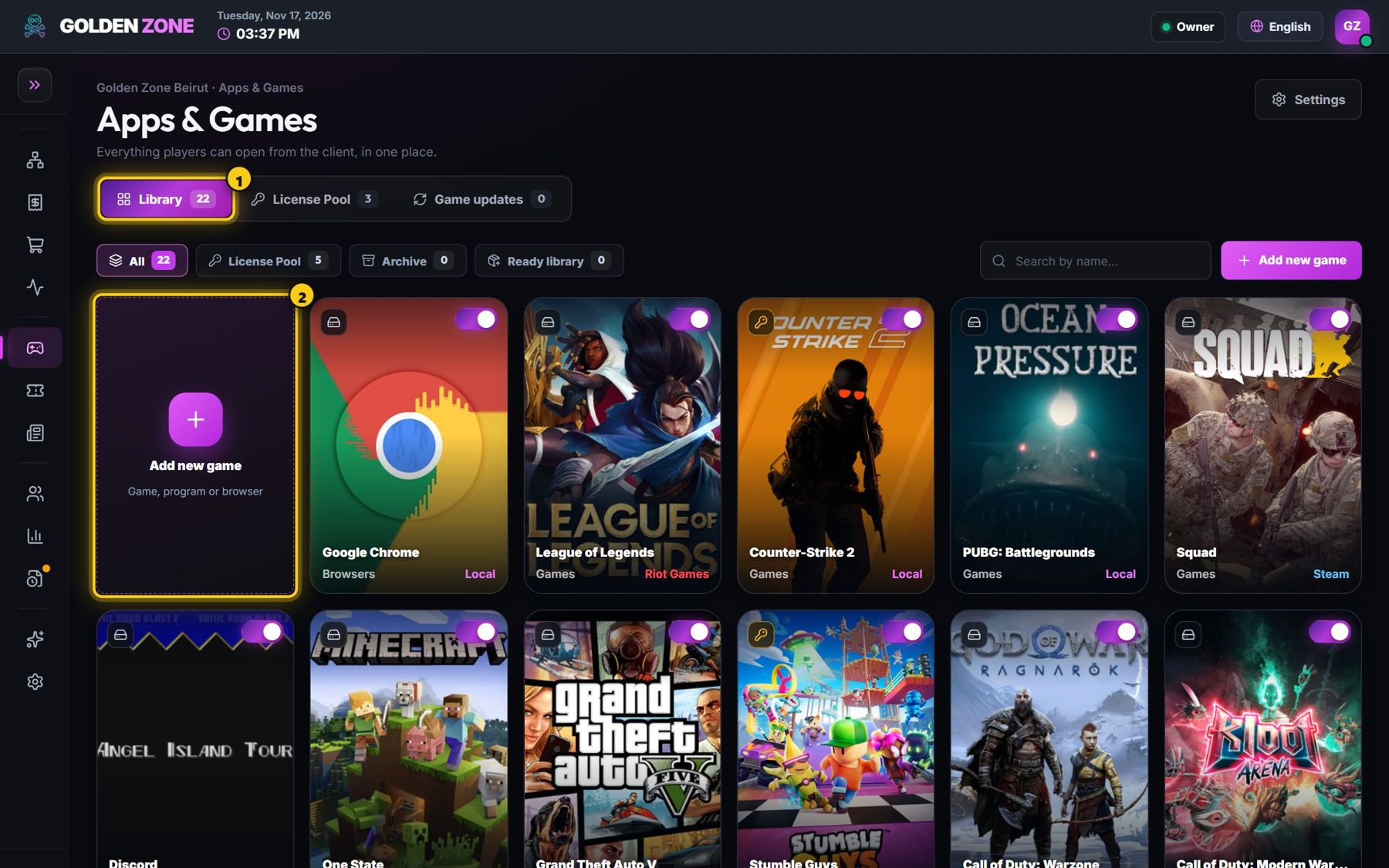
Every card here is a game or program on the player screen. - Type the name, choose the category and add a short description.
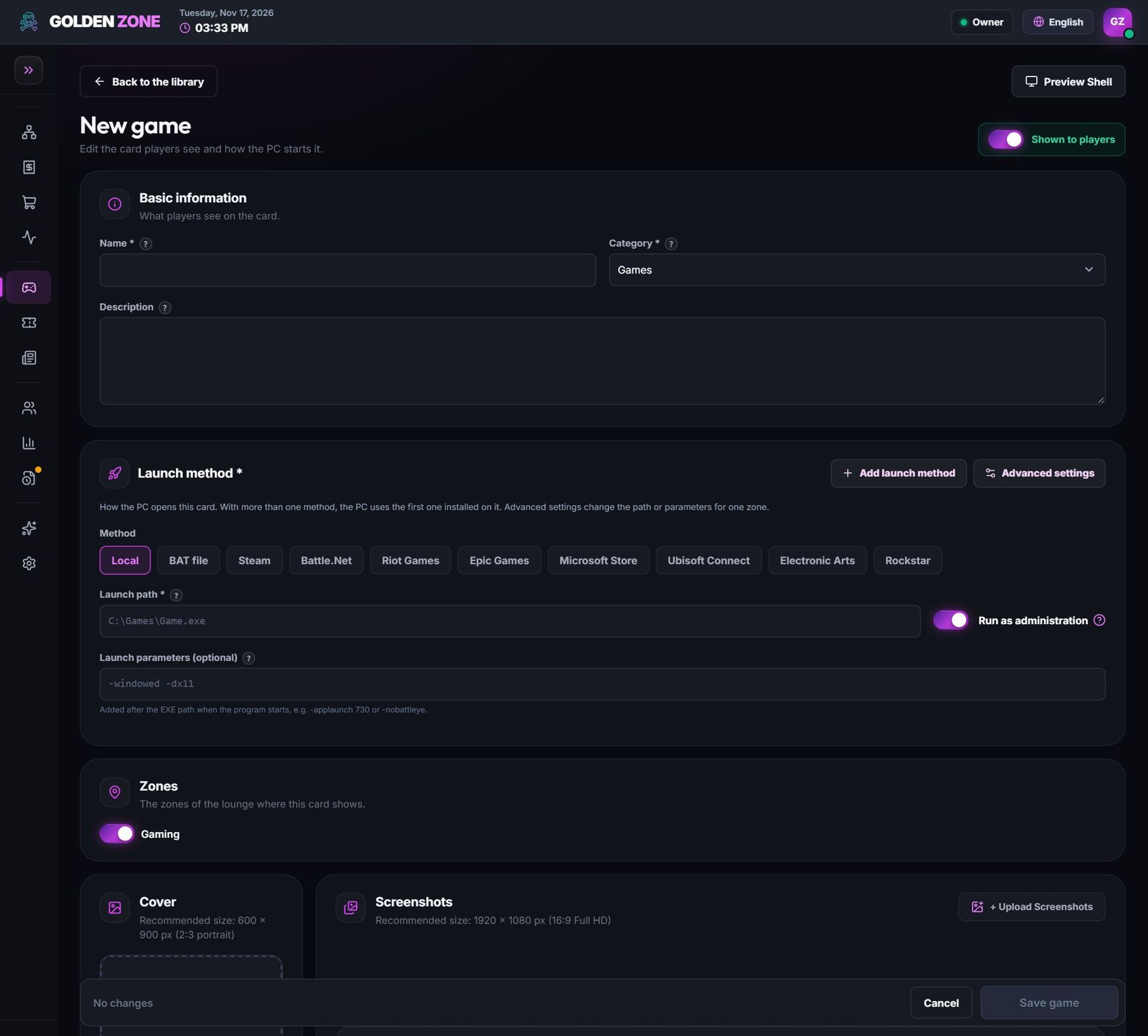
The game editor. - Choose the launch method: Local (a .exe path), BAT file, or the store the game belongs to, and type the Game ID of that store.
- Add the cover (600 × 900) and screenshots, choose the zones that see the game, then save.
Steam Game ID = the number in the store link. Example: store.steampowered.com/app/730 → 730 (Counter-Strike 2).
A card path must point to the program file (.exe), not to a folder.
Many popular games are already prepared in the Ready library — add them with one click, with their cover and launch settings.