Change colours and pictures per zone
Pick a colour theme, give every zone its own pictures, and watch the live preview before you save.
- Go to Settings → Branding.
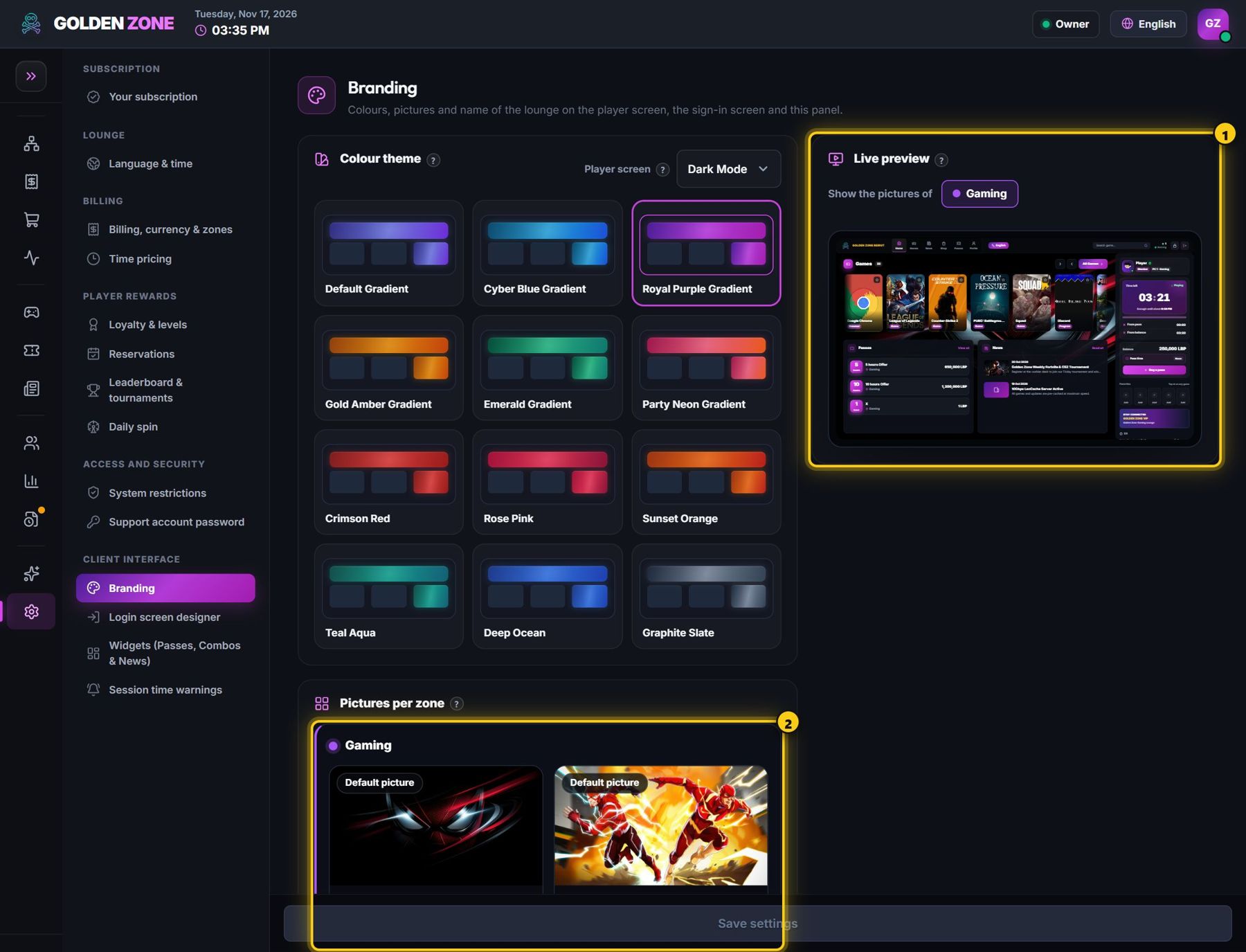
Colours on one side, the live preview on the other. - Pick a colour theme and Dark or Light mode — the live preview next to it changes at once.
- Under Pictures per zone, drop a picture on a box or press Upload (1920 × 1080). Each zone has a player-screen picture and a sign-in picture.
- Set the lounge name and logo, then press Save settings. Nothing reaches the PCs before Save.