Design the sign-in screen
Move, resize and recolour every part of the sign-in screen with a live preview.
- Go to Settings → Login screen designer.
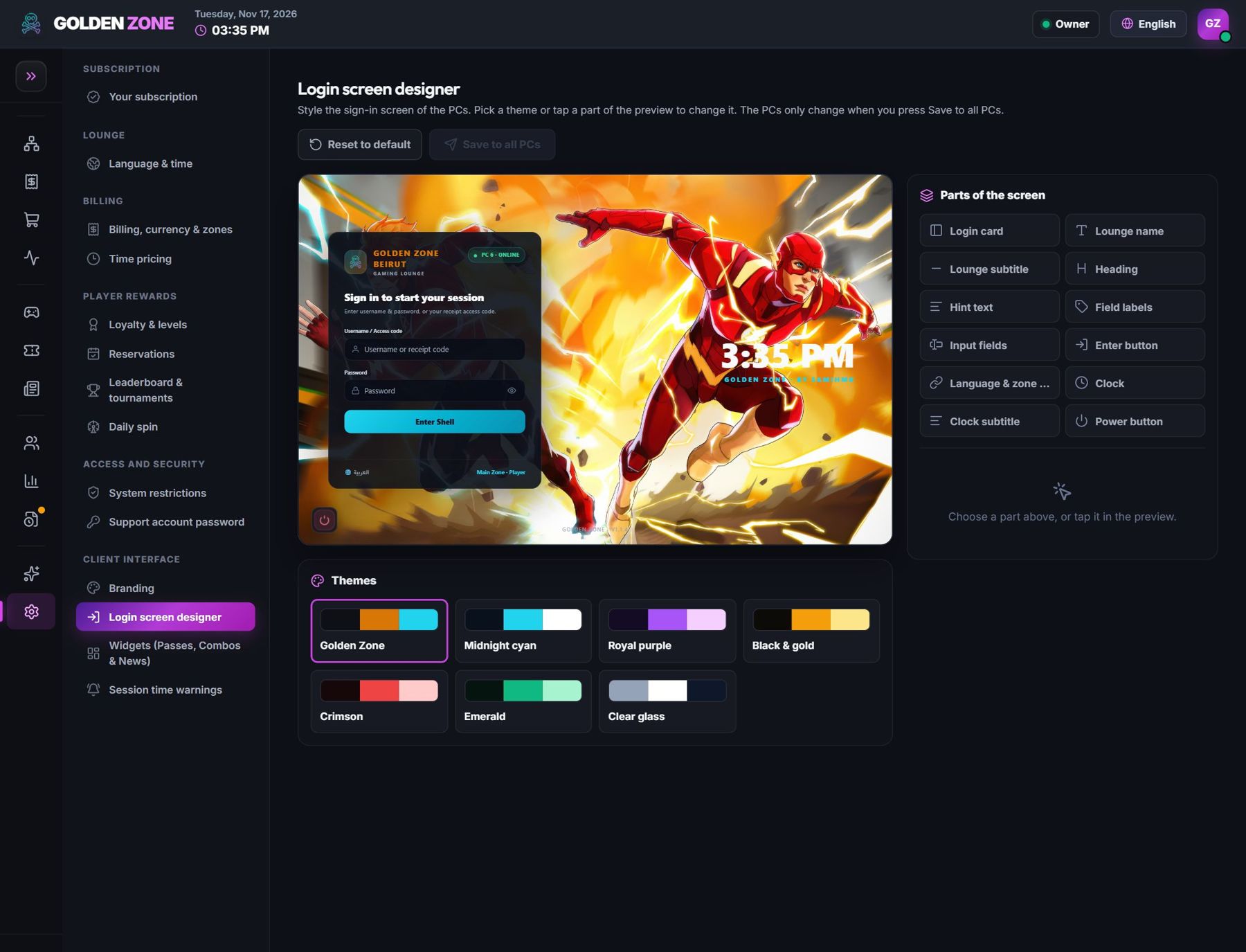
Click a part of the preview to change it. - Choose a theme, then click any part (logo, sign-in box, clock…) to change its size, place and colours.
- Save. The PCs show the new design on their next sign-in screen.