Power off, restart, lock or message a PC
Every command of a PC is one right-click away — on a phone, a long press.
- On the Map, right-click a PC (long-press on a phone).
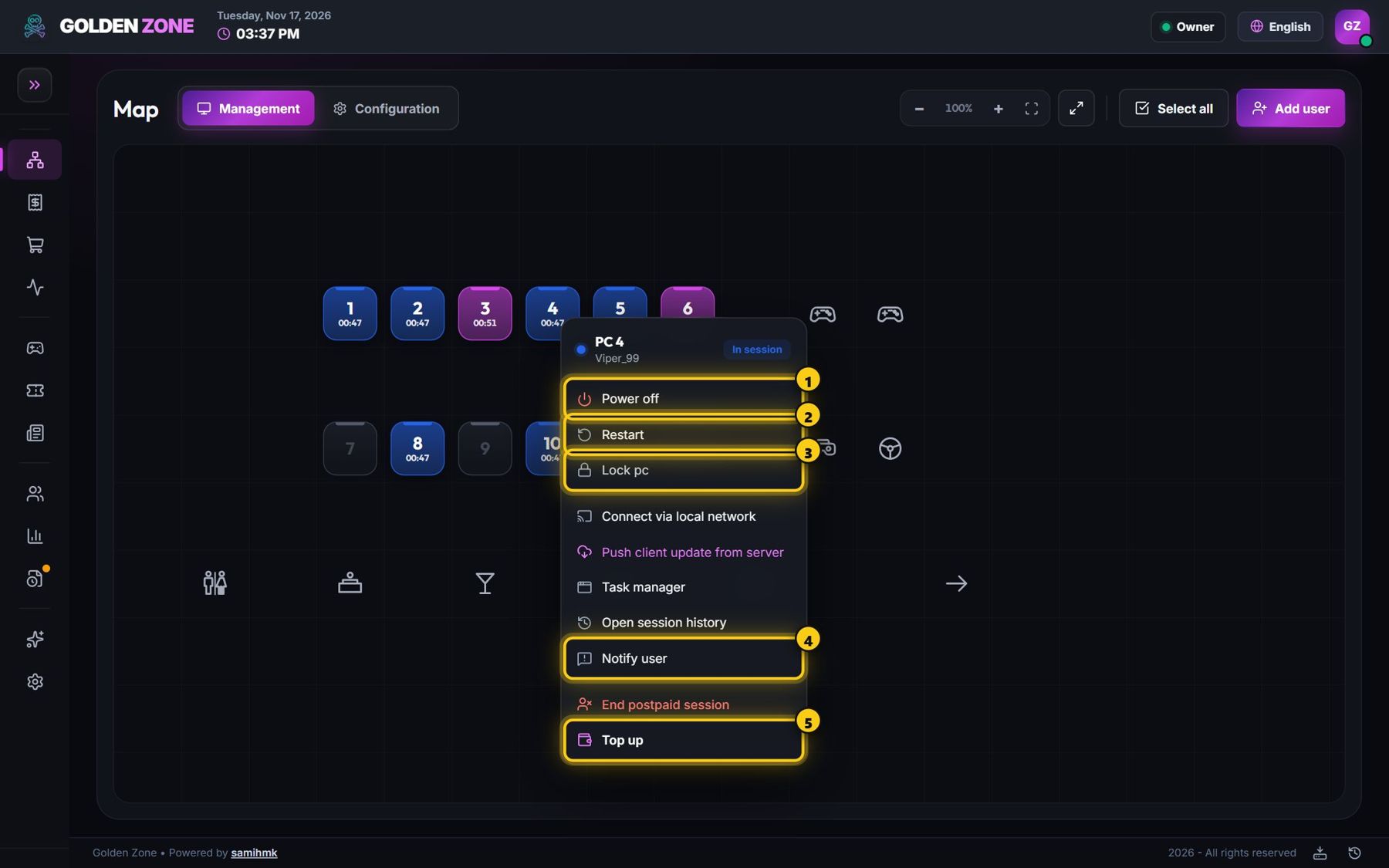
The menu of a PC with a player. - Choose the command: Power off, Restart, Lock PC, Notify user, Top up and more.
- Commands that interrupt a player ask you to confirm first.
Several PCs at once: press Select all (or select PCs one by one) — a bar appears at the bottom of the map with the commands for all of them.
The menu changes with the PC state: a powered-off PC shows Power on, a free PC shows Start session.